For therapists
AI notes for therapists, on your Mac
NoteOwl brings AI notes for therapists onto your own Mac. The moment a client leaves, tap fn in the note field of the app you already use and talk through the session: your words type at the cursor, free and unlimited, and no third party processes the audio.
NoteOwl Pro lays your session notes out in your own format, such as DAP or SOAP, with a template you write once; records telehealth sessions with no bot joining the call; and answers questions across your notes, showing the passages it used.
After the session · Free
- fnTap fn in the note field and talk
- ↳Your words type at the cursor, on your Mac
- fnTap fn again. The note is done before your next client
How do therapists use AI for session notes?
With NoteOwl, the note starts after the session, not during it. The client leaves, you talk it through, and NoteOwl types the note into the app you already use. With NoteOwl Pro, your own template lays it out as DAP or SOAP, and past notes are one question away.
The moment the client leaves· Free
Talk the note instead of typing it
Click into the progress note in the app you already use, tap fn and talk for a minute or two. Your words type at the cursor, on your Mac. Free, with no limit.
In your own format· Pro
DAP, SOAP or your own sections
Write a template once, then Transform as lays any dictated note out in its sections, with your raw words kept beside it. You read it, correct it and paste it in.
Telehealth and in-room sessions· Pro
Recorded on your Mac, no bot
NoteOwl records your microphone and your Mac’s audio, then writes the transcript and a summary on your Mac. Nothing joins the call.
Before the next session· Pro
Ask what you agreed last time
Ask “What did we agree to work on before the next session?” and the answer shows the note it came from, so you can check it in seconds.
Can I write my progress note by voice right after the session?
Yes, and it’s free. Click into the progress note in the app you already use, tap fn and talk, then tap fn again. NoteOwl types your words at the cursor as you speak, on your Mac, with no limit and no account. How free dictation works on your Mac
- Your exact words — typed as you say them; nothing changes unless you ask
- Polish — one tap tidies the note in the tone set for that app
- Custom vocabulary — names and terms spelled your wayPro
- Works offline — after the one-time model download
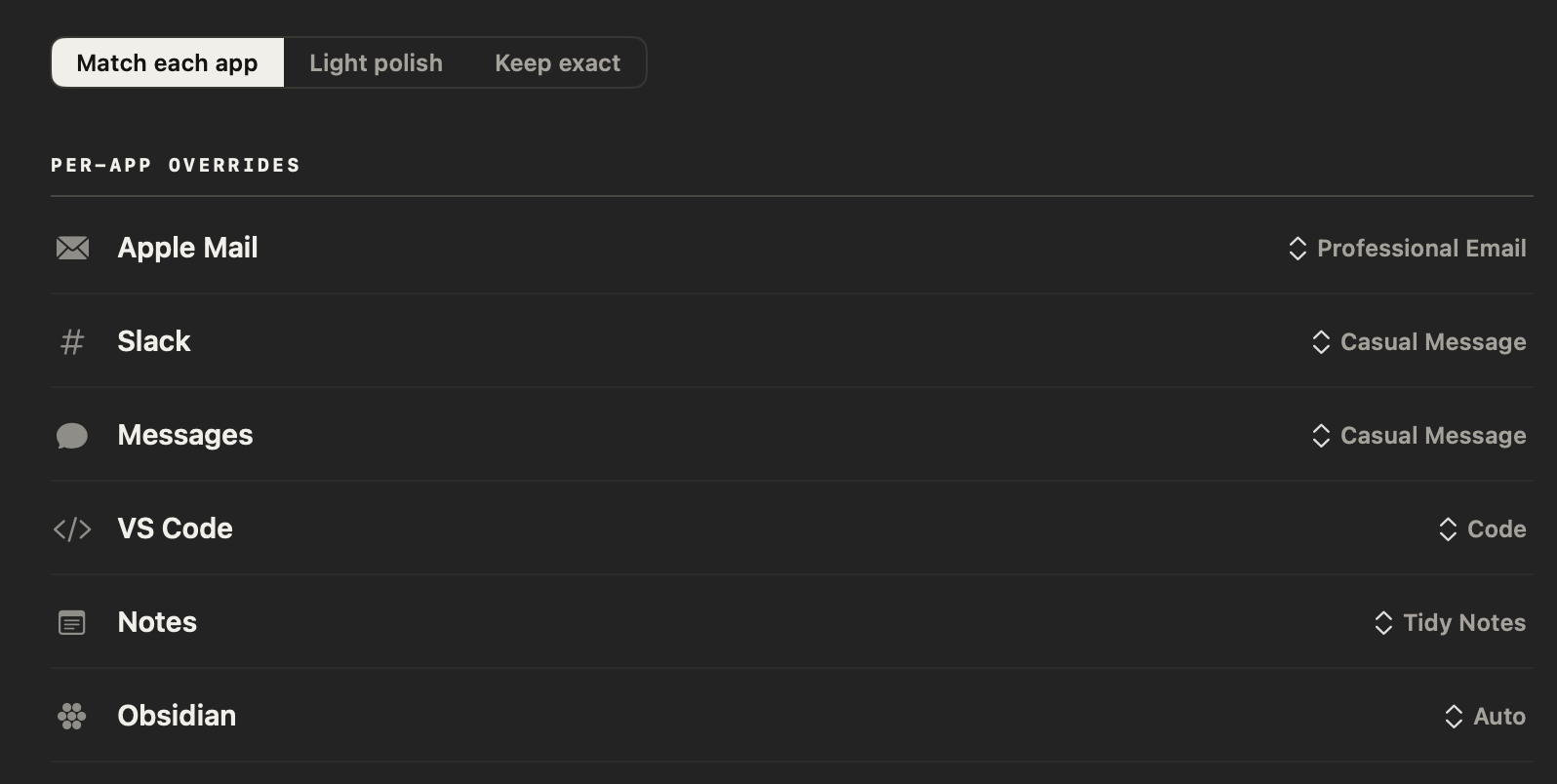
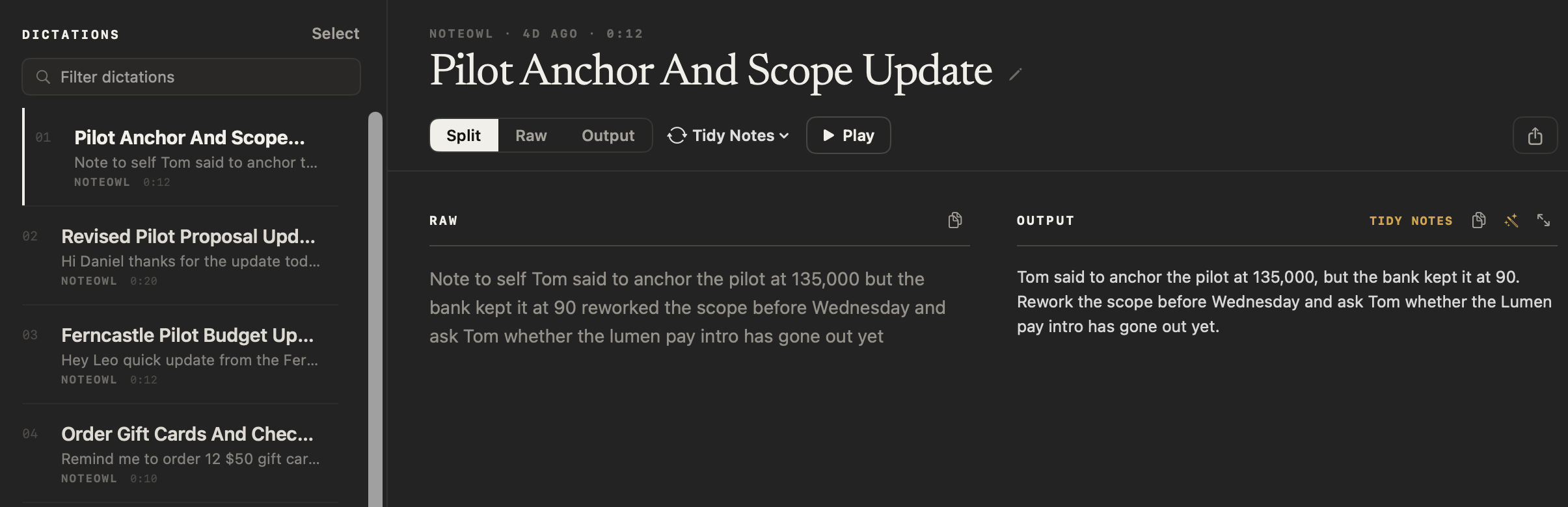
Each dictation is also saved in Dictations on your Mac, so you can find it again. Delete it there whenever you choose.
Can NoteOwl put my session notes into DAP or SOAP format?
Yes, with a template you write once. NoteOwl doesn’t ship DAP or SOAP templates; on its Templates screen you name one, paste the sections you use, and apply it to any dictated note with Transform as. Templates are part of NoteOwl Pro.
Record a voice note after the session, pick your template, then read the progress note it lays out, correct anything that’s off and paste it into your records. Your raw words stay beside it. Copy a DAP or SOAP template and the instruction to paste.
Read the transcript
Session’s over. Now there’s a note to write.
Press New Dictation, and talk it through.
(Dictating) “Session note, J.B., Thursday. We worked on her habit of saying yes to everything at work. She links it to not wanting to look like she’s struggling.”
Press Stop. Your note is saved on your Mac, word for word.
Then choose Transform as, and the DAP template you wrote once.
Data, Assessment, Plan, laid out from what you said, with your own words right beside it.
Check it, and paste it into your records. No third party processes the audio.
NoteOwl. Free to download.
Where does the session audio go?
It stays on your Mac. NoteOwl transcribes, formats and searches with on-device AI models, and no third party processes the audio. Your recordings, transcripts and notes are never uploaded, so there is nothing for us to train on.
What stays on your Mac
- Your dictations and voice notes, with the audio of each voice note
- Recorded sessions, their transcripts and summaries (Pro)
- The notes your templates write (Pro)
- Your search index, memory and Chat conversations (Pro)
NoteOwl has no server that receives your content, and the app has no analytics or telemetry, so we can’t see what you record.
| When NoteOwl connects | What it sends |
|---|---|
| The one-time model download | Model files are downloaded to your Mac; nothing of yours is sent |
| Checking for app updates | No personal data or content |
| Starting the trial or activating Pro | Your email address and an identifier for this Mac |
| A licence check, at most once a week (Pro) | Only the certificate identifier |
Recordings, transcripts and notes are never sent. The details are in NoteOwl’s privacy policy.
How can I check that my notes stay on my Mac?
Test it yourself instead of taking our word for it. Turn off Wi-Fi and dictate: it still works. Compare what NoteOwl sends with the list above. Then open the one folder on your Mac where every note is kept.
- 1
Turn off Wi-Fi
After the one-time model download, turn Wi-Fi off, then dictate a note or record a voice note. It still works, and so do templates and Chat with NoteOwl Pro.
- 2
Read what NoteOwl sends
The table above is the whole list: the model download, update checks and licence checks. None of them carries a recording, a transcript or a note.
- 3
Open the folder
Everything you record lives in one folder on your Mac, ~/Library/Application Support/NoteOwl. In NoteOwl, Settings → General → Show in Finder opens it.
More in the docs: when NoteOwl uses the network and where NoteOwl stores your data.
Can NoteOwl take notes on a telehealth session?
Yes, with NoteOwl Pro. It records your microphone and your Mac’s audio, so it works with whichever call app or browser tab your sessions run in, and no bot joins the call. When the session ends, the transcript and summary are written on your Mac.
- In the room, NoteOwl records with your Mac’s microphone.
- “No bot” means nothing joins the call: NoteOwl records from your own Mac, like any recording app on it.
- The transcript labels who said what.
- Summarize as applies your DAP or SOAP template to a recorded session, too.
- Delete a session and its audio moves to the macOS Trash; empty the Trash to remove it for good.

Can I search across all my clients’ notes?
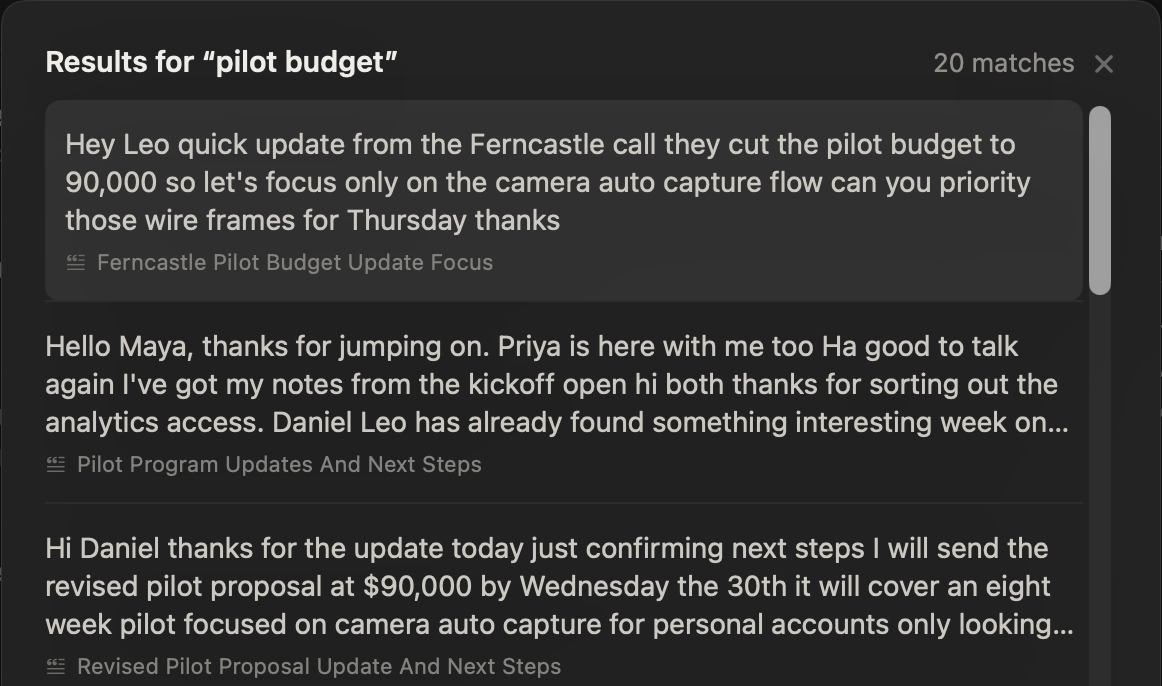
Yes, with NoteOwl Pro. Search everything (⌘K) finds any note, dictation or session by meaning or exact words. Chat answers questions like “What did we agree to work on before the next session?” and shows the passages it used, so you can check the answer.
Notes you take in NoteOwl feed Chat. Dictations typed into other apps stay out of it unless you turn on “Dictations into other apps feed memory” in Settings → Memory; Search everything still finds them. Read more about searching your notes on your Mac.
What does NoteOwl cost for a private practice?
Dictation is free forever. NoteOwl Pro is $79 once for one Mac, with no subscription, and you can try it free for 7 days in the app with no card. Download NoteOwl, start the trial when you want Pro, and buy it inside the app.
NoteOwl Free
$0
Forever, for your own voice.
- Dictation into any app on your Mac, unlimited
- Voice notes, with the audio kept
- Polish, in the tone set for each app
- Works with Wi-Fi off
- No account
NoteOwl Pro
$79 once, for one Mac
No subscription. Try it free for 7 days in the app, no card needed.
Your note format
Templates you write once, such as DAP or SOAP, applied to a dictated note with Transform as or to a recorded session with Summarize as.
Session notes with no bot
Telehealth sessions in any call app or browser tab, and in-room sessions with your Mac’s microphone, transcribed and summarized on your Mac.
Search and Chat across your notes
Search everything finds any note by meaning or exact words; Chat answers questions and shows the passages it used, or says nothing matches.
Custom vocabulary
Client names and the terms you use, spelled your way in every note.
FAQ
Questions therapists ask about NoteOwl
Does NoteOwl make my practice compliant with health privacy law?
NoteOwl doesn’t claim compliance with any health privacy law, and no app can make a practice compliant on its own. What is true: NoteOwl never receives your recordings, transcripts or notes; they stay on your Mac. NoteOwl doesn’t sign business associate agreements, because it never receives, stores or transmits your clients’ information. Your practice’s own privacy duties for the data on your Mac stay with you.
Does NoteOwl keep a copy of what I dictate?
Yes. Each dictation is also saved in Dictations on your Mac, so you can find it again or apply a template to it later. To remove one, delete it in Dictations: it leaves your library, with its transcript and search index, and any recorded audio moves to the macOS Trash, so empty the Trash too.
How do I delete a recorded session completely?
Delete it in NoteOwl, then empty the macOS Trash. Deleting a session removes it from your library and moves its audio file to the Trash, where it can still be recovered until you empty it.
Does NoteOwl work with my EHR?
NoteOwl doesn’t connect to any EHR or practice-management system and never reads your records. Dictation types at the cursor wherever you can type on your Mac, so your words go into the note field you have open. If NoteOwl can’t type into a field, it copies the text for you to paste with ⌘V.
Does NoteOwl write the clinical assessment for me?
No. NoteOwl writes up what you said, in the format you choose; it doesn’t diagnose, suggest treatment or add a judgement you didn’t give. It can still get things wrong, so read every note before it goes into the record.
Does NoteOwl work offline?
Yes. After the one-time model download, dictation, voice notes, templates, session recording, search and Chat all run on your Mac with Wi-Fi off, because the on-device AI models do the work on your Mac.
Is dictation really free?
Yes. Dictation into any app and voice notes are free and unlimited, forever, with no account. NoteOwl Pro — templates, session recording, search, Chat and custom vocabulary — is $79 once for one Mac, with a 7-day free trial in the app and no card needed.
Related
- Therapy session notes template DAP and SOAP templates to copy, and how to set one up in NoteOwl.
- Free dictation on your Mac Tap fn in any app and talk; your words type at the cursor.
- Offline AI meeting notes Recording, transcripts, summaries and dictation work with Wi-Fi off, after a one-time model download.
- Search your meetings and notes Every note, dictation and session, found by meaning or exact words, on your Mac.
This page explains how NoteOwl works. It isn’t legal or clinical advice. Check your own professional rules and state law.
Keep exploring
Made for this work
- Therapy session notes templateTherapy session notes templates to copy, what each section holds, and how NoteOwl writes them on your Mac
- Free dictation into any appFree, unlimited speech to text in every app on your Mac: tap fn, talk, and the words type at your cursor; one tap polishes them in the right tone for that app
- Offline AI meeting notesEvery NoteOwl feature works offline after a one-time model download; what the app sends over the network, and what it never does
- Search all your meetingsOne search across every meeting, dictation, transcript and person on your Mac, plus Recall by voice from any app
Other roles
- AI note taker for doctorsVisit notes dictated on your own Mac for doctors in private practice; no third party processes patient audio, and no subscription
- StudentsLectures recorded in the room or an online class, or imported, turned into study notes you can ask questions of before the exam; dictating essays is free
- AI note taker for foundersCustomer calls, investor updates and 1:1s — commitments tracked, answers cited — plus free dictation into any app
Finish your session notes before the next client
Free to download. Runs entirely on your Mac.
macOS 26 or later · Apple Silicon (M1 or newer) · 16 GB memory minimum, 24 GB recommended
About NoteOwl
NoteOwl is private AI meeting notes and memory for the Mac. It captures meetings without a bot joining the call, labels every speaker, writes summaries and action items, and builds a memory of every conversation that you can chat with — fully offline, because the speech recognition and the AI run on the Mac itself. Dictation into any app is free; Pro is a one-time purchase.
NoteOwl pricing: what’s free and what Pro adds
Last updated