Use case · School meetings
Parent-teacher conference notes
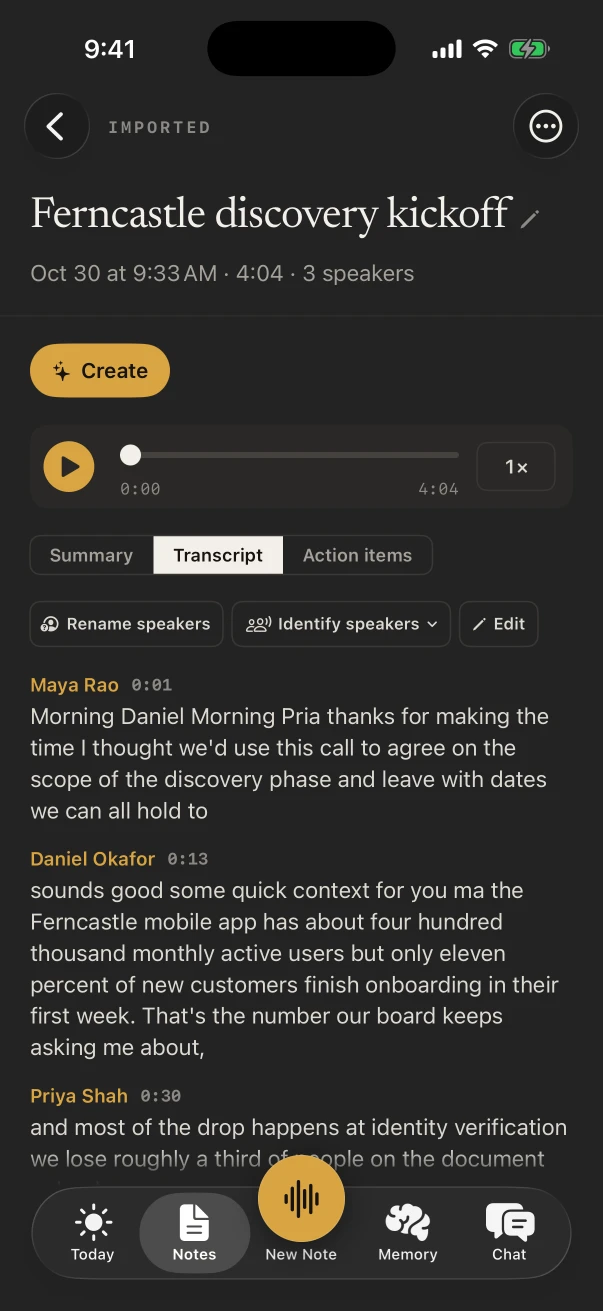
Parent teacher conference notes, without writing while you listen: lay your iPhone on the desk, record the conference with NoteOwl, and read back the teacher’s points, your questions and what each of you agreed to do.
For teachers with a full evening of conferences, each family gets its own note. NoteOwl writes the notes on the phone and never uploads what you record.
What should you write down at a parent-teacher conference?
How your child is doing in each subject, the examples the teacher gives, any concern from either side, what the school will do, what you’ll do at home, and when you’ll talk again. The last three are the ones families forget by the time they’re home.
Questions worth asking, with the answers kept
- Where are they doing well, and where are they behind?
- Can you show me an example of their work?
- How do they get on with the other children in class?
- What can we do at home this term?
- What will you try in class, and how will we know it’s working?
- How should we keep in touch, and when?
Can you record a parent-teacher conference on your phone?
Yes, with an app that records the room. Tap New Note in NoteOwl and lay the iPhone on the desk between you; the transcript appears as you talk, and the recording keeps going if the screen locks. Tap Stop when you stand up.
On iPhone
- One conference, one note: name it after the class and the teacher, such as “Grade 4, Ms Rao”.
- While it records, type a question you mean to ask under Notes & questions; it stays with the note.
- Recording and the transcript are free. Speakers, a summary and action items come with NoteOwl Pro.
On Mac
- Conference on a video call? Join it on the Mac and press ⌥ Space: NoteOwl records your microphone and the call, with the teacher’s voice on its own lines. NoteOwl Pro.
- Afterwards, tap fn in an email to the school and say your thanks and follow-ups; the words type at the cursor, free.
Which NoteOwl template fits a school meeting?
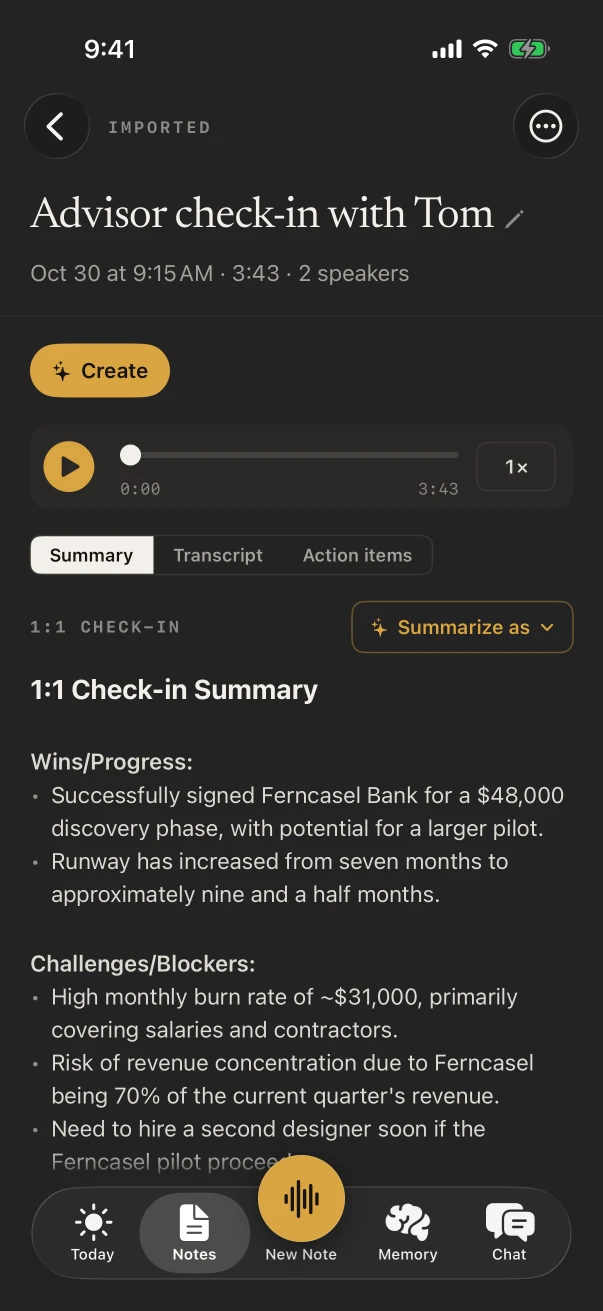
1:1 Check-in maps neatly onto a child’s progress: wins, blockers, feedback, growth and follow-ups. Meeting Report suits a meeting with several staff, and you can write a template with your school’s own report headings.
Built-in template
1:1 Check-in
- Wins
- Blockers
- Feedback
- Growth
- Follow-ups
Pick it from Summarize as on the finished note. A short catch-up at the classroom door reads well as Quick Summary: the key points and a bottom line.
Also worth trying
- Meeting Report
- Quick Summary
- To-Do List
What do you do with the notes after the conference?
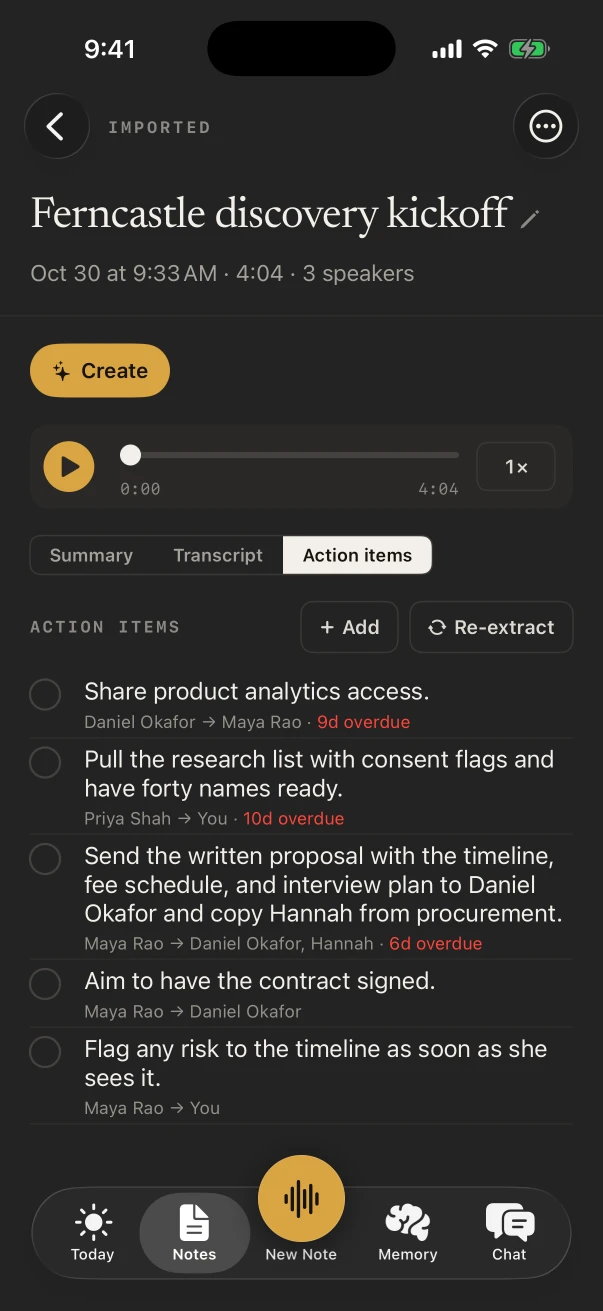
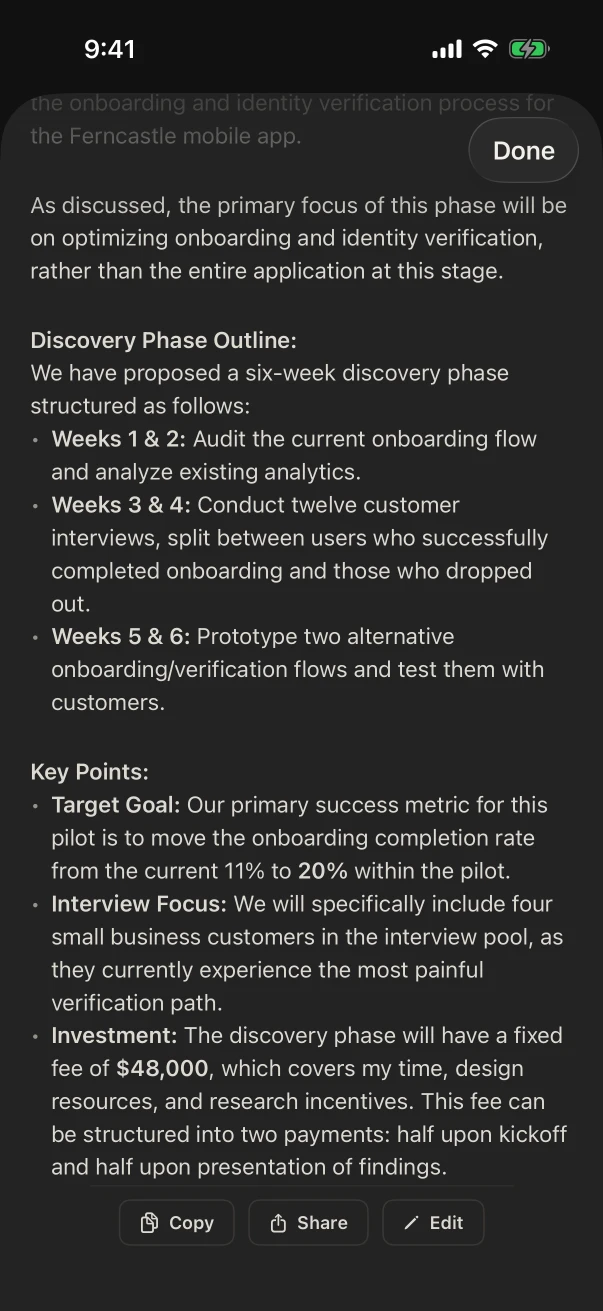
Act on the follow-ups. With NoteOwl Pro, each action item says who owes it, such as You → Ms Rao, with any date mentioned. ✦ Create drafts a thank-you email, and Translate to writes the notes in English, Hindi, Spanish, French or German for another parent.
Sharing the note itself, as a PDF or plain text, is free.
Can teachers use NoteOwl for parent-teacher conferences?
Yes. Record each family as its own note and name it as you go. NoteOwl Pro writes each summary and action list on the phone between appointments, and People keeps a profile for each parent, so the next conference starts where the last one ended.
- Where the notes live
- On the iPhone or Mac that recorded them
- Uploads
- None. NoteOwl never uploads what you record
- Free
- Recording, transcripts, sharing and deleting
- NoteOwl Pro
- $20 lifetime on iPhone, $79 lifetime on Mac, no subscription
FAQ
Questions about parent-teacher conference notes
Is NoteOwl free for parent-teacher conferences?
Recording the conference and reading the transcript are free on iPhone, with no limit. The summary, action items, speaker names and Create are NoteOwl Pro, $20 lifetime on iPhone, with a 7-day free trial.
Is the conference recording uploaded anywhere?
No. NoteOwl never uploads what you record. The transcript and notes are written on your iPhone or Mac, and you choose what to share and with whom.
Can NoteOwl tell the teacher’s voice from mine?
With NoteOwl Pro, yes. Once NoteOwl has learned your voice in setup, your lines show as You; give the teacher’s lines a name with Rename speakers, and NoteOwl names them in later notes.
Can I get the notes in another language for my partner?
Yes, with NoteOwl Pro on iPhone: ✦ Create › Translate to writes the note in English, Hindi, Spanish, French or German, on the phone. Copy or share the result yourself.
What if the conference is on a video call?
Record it on a Mac. NoteOwl records your microphone and the call’s audio with no bot joining, then writes the transcript, summary and action items, with NoteOwl Pro. NoteOwl on iPhone records conversations in the room.
Related
Keep exploring
Made for this situation
- 1:1 meeting templateA 1:1 meeting template to copy, a 1:1 meeting agenda builder, what each section holds, an example, and how NoteOwl writes 1:1 notes
- Action items and commitmentsAction items that involve you become commitments: what you owe and what you are owed, sorted by what is due
- Follow-up emailAsk NoteOwl to draft the follow-up email from a meeting, written on your Mac or iPhone; on the Mac it lists decisions, owners and dates
- AI voice recorder for iPhoneRecord in the room on iPhone with a live transcript (free), then speakers, a summary and action items with Pro; the timer on the Lock Screen and in the Dynamic Island
More situations
- House viewingsRecord each house or apartment viewing on iPhone, say what the photos don’t show, then compare viewings by asking Chat; writing your own viewing template, and Free vs Pro
- Field researchRecord interviews and spoken observations in the field on iPhone with no signal, transcribed on the phone; the Research template, participant codes, imports from a recorder on Mac, and exporting
- Sermons and Bible studyRecord a sermon on iPhone from your seat and keep every word, the Presentation template, Vocabulary for names, Bible study and small-group notes with who said what, and services watched online on a Mac
Take NoteOwl to your next parent-teacher conference
Free to download. Runs entirely on your Mac or iPhone.
Mac: macOS 26 or later · Apple Silicon (M1 or newer) · 16 GB memory minimum, 24 GB recommended · iPhone: iOS 26 or later
About NoteOwl
NoteOwl is private AI meeting notes and memory for Mac and iPhone. It captures meetings without a bot joining the call, labels every speaker, writes summaries and action items, and builds a memory of every conversation that you can chat with — fully offline, because the speech recognition and the AI run on the Mac or iPhone itself. Dictation into any app is free; Pro is a lifetime licence.
NoteOwl pricing: what’s free and what Pro adds
Last updated