Use case · Site visits and walkthroughs
Site visit notes, spoken as you walk
Site visit notes, spoken instead of scribbled: walk the site with NoteOwl recording on your iPhone, say what you see and what the contractor tells you, and the transcript builds as you go.
With NoteOwl Pro the phone turns the walk into a Project Log of progress, decisions and blockers, and a to-do list with owners. Back at your desk, dictate the report on your Mac, free.
What goes in site visit notes?
Where you were, what you saw, what is finished and what isn’t, what was agreed on the spot, and who is fixing what by when. Spoken notes keep the detail, because you describe a problem while you’re standing in front of it.
Say it as you walk
- The location first: “Level 2, east stair, north wall.” The transcript keeps your words in order, so each place heads its own stretch of notes.
- Measurements and numbers out loud, and the important ones twice.
- Questions for later: “Ask Leo about the drainage spec.” In a meeting note, NoteOwl Pro lists them as action items with Leo’s name.
- The conversation with the contractor or the client, with the phone between you. NoteOwl Pro labels who said what.
- Supplier names and site jargon: Vocabulary (NoteOwl Pro) swaps a word NoteOwl hears for the spelling you set.
How do you record a site walk on iPhone?
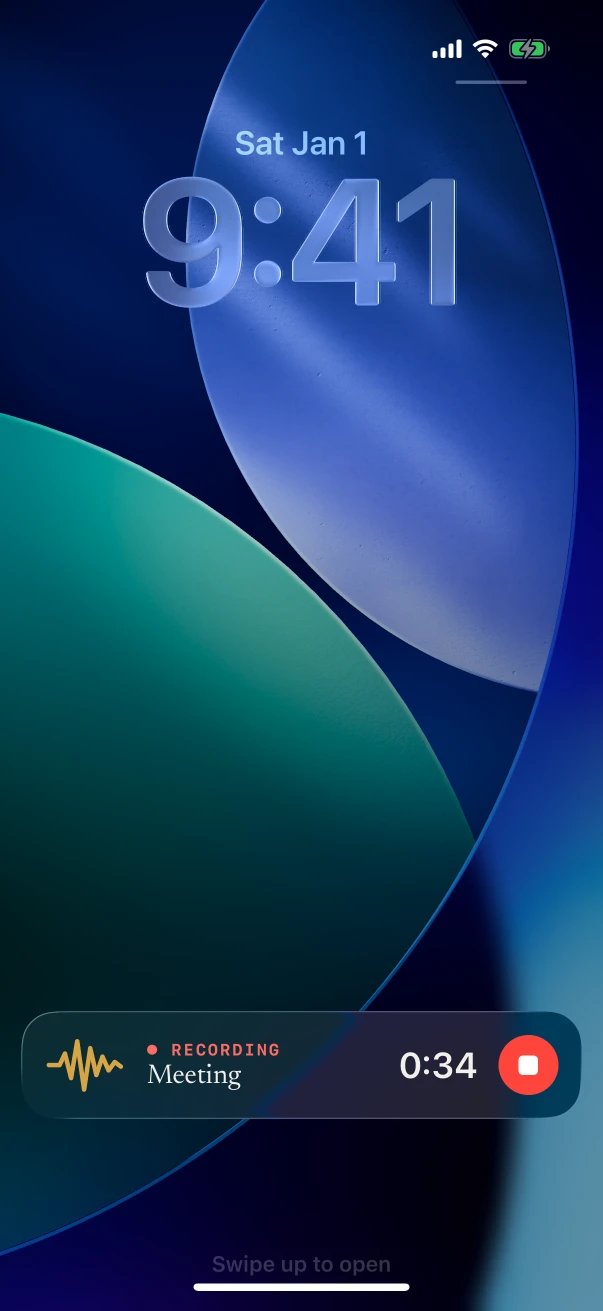
Start NoteOwl from the Action button or a Lock Screen control, lock the phone and walk. It keeps recording with the screen off, and the timer and Stop stay on the Lock Screen. Tap Stop as you leave the site.
On iPhone
- 1
Set up one press
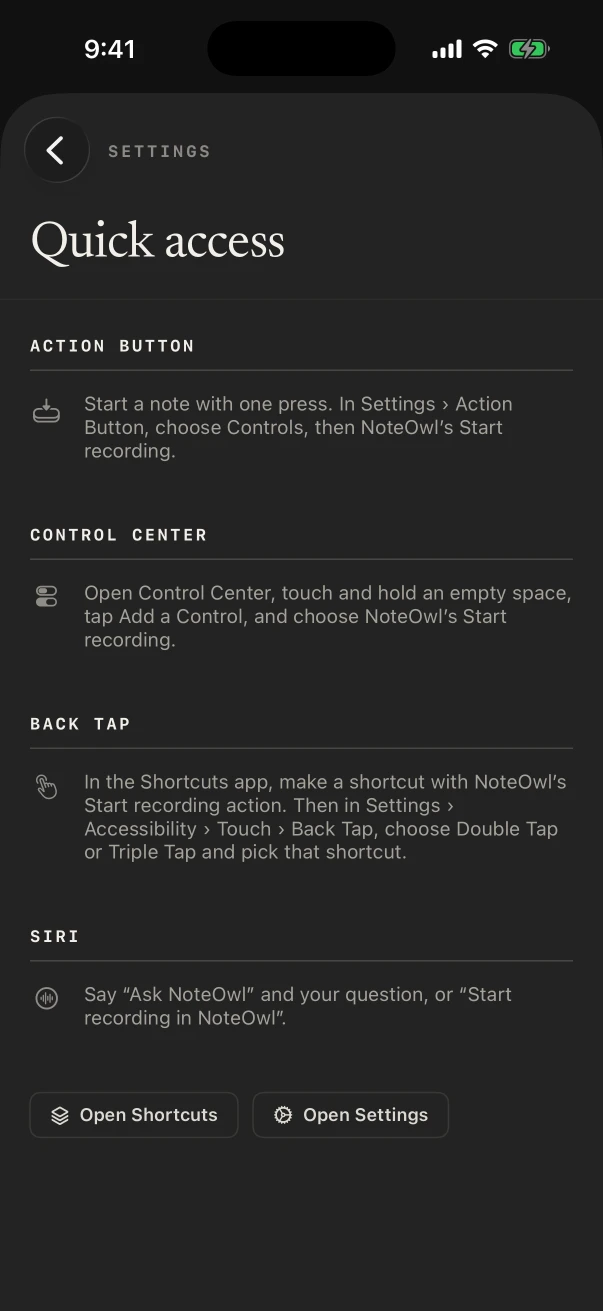
Set the Action button, Control Center or a Lock Screen control to NoteOwl’s New note, so recording starts without hunting for the app.
- 2
Start at the gate
Press it and say where you are and the date. NoteOwl records through the iPhone’s microphone.
- 3
Lock it and walk
The timer stays on the Lock Screen and in the Dynamic Island. A phone call pauses the recording; it carries on afterwards, or you tap Resume.
- 4
Stop and read
Tap Stop. The transcript is ready on the phone, and with NoteOwl Pro so are the summary, action items and a title.
Which template turns a site walk into a report?
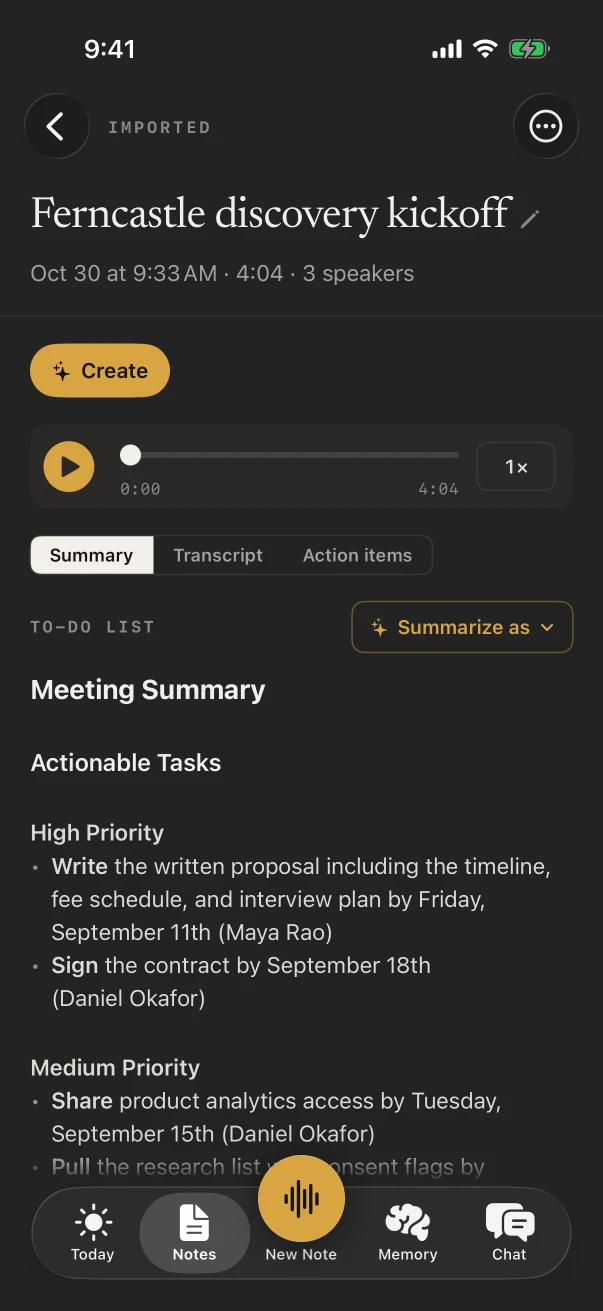
Project Log: progress since the last visit, decisions taken, blockers and the next milestones. Run Summarize as › To-Do List on the same note for a punch list grouped by priority, with owners and dates wherever you said them.
Built-in template
Project Log
- Progress
- Decisions
- Blockers
- Next milestones
For your firm’s own headings, write a template in plain words in Settings › Templates, such as “Site visit report: location, work completed, defects by location, safety notes, actions with owner”, or tap Create by speaking and say it.
Also worth trying
- To-Do List
- Meeting Report
- Quick Summary
How do you turn site visit notes into a site visit report?
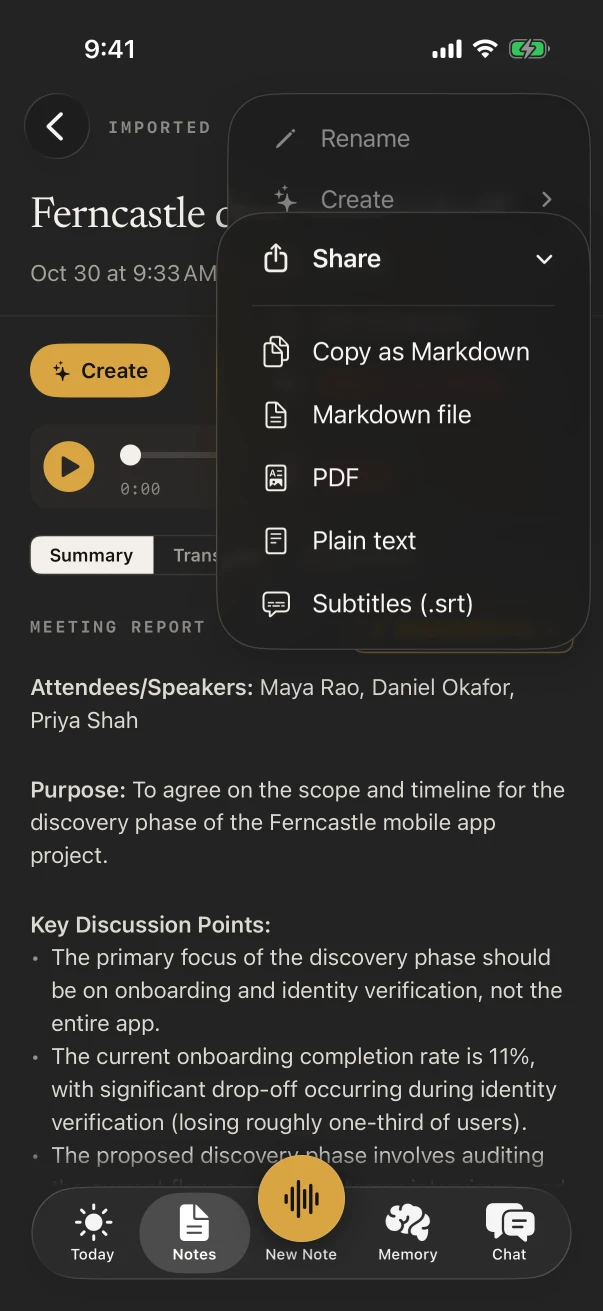
Share the note from the iPhone as a PDF or a Markdown file, free, or let NoteOwl Pro draft one with ✦ Create › Report. To write it yourself at your desk, dictate into any app on your Mac with fn, also free.
On iPhone
- ⋯ › Share gives Copy as Markdown, Markdown file, PDF, Plain text and Subtitles (.srt), through the iPhone’s share sheet. Free.
- ✦ Create › Report drafts a report from the whole walk, and Create › To-do list makes the punch list. NoteOwl Pro.
- Done with the audio? ⋯ › Delete recording frees the space and keeps the words.
On Mac
- Tap fn in Word, Pages or a web form and talk: your words type at the cursor, free and unlimited. Dictation on Mac
- Walked the site with another recorder? Import its file on the Mac for a transcript with speakers and a summary. NoteOwl Pro. Transcribe recordings on Mac
- Vocabulary (NoteOwl Pro) keeps project and supplier names spelled your way in Mac dictation as well.
What’s free for site visits, and what needs NoteOwl Pro?
Recording the walk, the transcript, sharing it and dictating on the Mac are free. The Project Log, the punch list, who said what and Vocabulary are NoteOwl Pro: $20 lifetime on iPhone, $79 lifetime on Mac, with no subscription.
- Signal on site
- Not needed: NoteOwl writes the notes on the iPhone once its models (about 3.2 GB) have downloaded
- Uploads
- None. NoteOwl never uploads what you record
- Free trial
- 7 days of NoteOwl Pro on either device
FAQ
Questions about site visit notes
Does NoteOwl work on a site with no signal?
Yes. NoteOwl transcribes and summarizes on the iPhone with on-device AI models, so a basement, a rural plot or a site in a dead zone makes no difference once the models have downloaded during setup.
Can NoteOwl tell my voice from the contractor’s?
Yes, with NoteOwl Pro. Teach NoteOwl your voice during setup and your lines show as You; rename the contractor once and NoteOwl recognises their voice on the next visit.
How do I get action items from a site visit?
Turn on the Meeting chip when you start, or afterwards on the finished note, and NoteOwl Pro lists each action item with who owes it and any date you said. Summarize as › To-Do List writes them as a list by priority.
Is there a site visit report template in NoteOwl?
Not by that name. Project Log covers progress, decisions, blockers and milestones. For your firm’s own headings, write a template in Settings › Templates, or tap Create by speaking and describe it. Templates are part of NoteOwl Pro.
Can I keep the recording after the report is done?
Yes. Each note keeps its audio and transcript on the iPhone until you delete them. To free space, ⋯ › Delete recording removes the audio and keeps the text.
Should I take my Mac on a site visit?
The iPhone is easier to carry and tells the voices apart. The Mac is where the write-up happens: free dictation into any app, and imported recordings with NoteOwl Pro.
Related
- Project update template Milestones, blockers and next steps, for the client update after the visit.
- To-do list template Tasks by priority, with owners and dates.
- Action button, Siri and Shortcuts Start a recording in one press, from the side of the phone.
- Speech to text for Mac Free dictation into any app, for the write-up.
Keep exploring
Made for this situation
- Project update templateA project update template to copy, what each section holds, an example, and how NoteOwl writes project update notes
- To-do list templateA to-do list template to copy, what each section holds, an example, and how NoteOwl writes it
- iPhone Action button and SiriStart a NoteOwl recording, dictation or a question from the Action button, Control Center, the Lock Screen, Back Tap, Siri or the Shortcuts app
- Free dictation into any appFree, unlimited speech to text in every app on your Mac (tap fn, talk, and the words type at your cursor; one tap polishes them in the right tone) and on iPhone with the NoteOwl keyboard
- Export your notesExport meetings, dictations and notes as Markdown or PDF, imported transcripts as text or SRT, or everything as plain files; nothing is locked in
Who it’s for
- Property managersMove-in and move-out walk-throughs, vendor visits and owner meetings recorded on iPhone, turned into to-do lists by priority, with what you owe and are owed due today
- ConstructionSite walks, OAC meetings, morning huddles and punch walks recorded on iPhone with the phone locked, Meeting Report and To-Do List notes, and trade terms taught with Vocabulary
- Home inspectorsFindings narrated room by room on iPhone as free voice notes, written up in your own report template with Pro, the buyer walk-through, and dictation into your report app
More situations
- Conferences and talksRecord talks, panels and seminars from your seat on iPhone, the Presentation template with the Q&A, remembering the people you meet, and online sessions recorded on a Mac
- Ideas on the goRecord an idea by voice in one press on iPhone (Action button, widgets) on a walk or a commute, keep the audio and a searchable transcript, Brainstorm or Quick Summary with Pro, and voice notes on Mac
- Voice journalingA private voice journal on iPhone or Mac: entries recorded and transcribed on the device, the Journal template with Pro, asking Chat about past entries, and what stays private
Record your next site visit with NoteOwl
Free to download. Runs entirely on your Mac or iPhone.
Mac: macOS 26 or later · Apple Silicon (M1 or newer) · 16 GB memory minimum, 24 GB recommended · iPhone: iOS 26 or later
About NoteOwl
NoteOwl is private AI meeting notes and memory for Mac and iPhone. It captures meetings without a bot joining the call, labels every speaker, writes summaries and action items, and builds a memory of every conversation that you can chat with — fully offline, because the speech recognition and the AI run on the Mac or iPhone itself. Dictation into any app is free; Pro is a lifetime licence.
NoteOwl pricing: what’s free and what Pro adds
Last updated