Use case · Ideas on the go
An app to record ideas the moment you have them
NoteOwl is an app to record ideas by voice the moment they arrive: press the Action button on your iPhone, say the idea on your walk or your train ride, and it is saved as text you can search, with the audio kept.
Recording and the transcript are free. With NoteOwl Pro, a rambling idea is rewritten with the Brainstorm template, and Chat finds the one you only half remember.
What’s the fastest way to record an idea on iPhone?
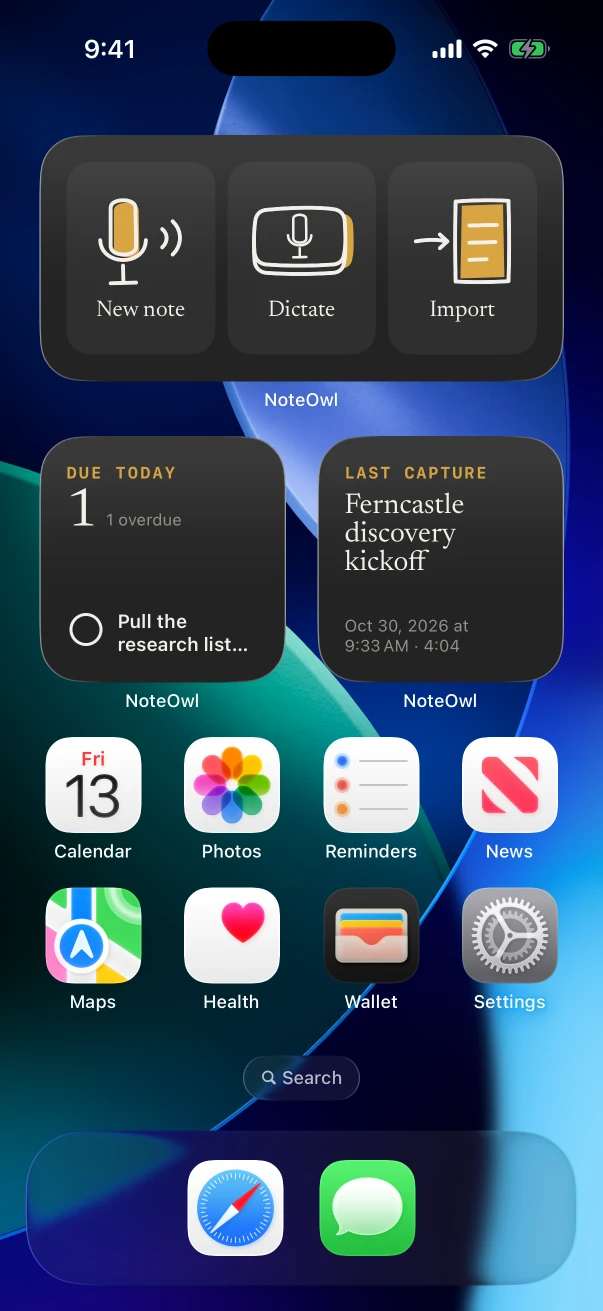
One press. Set the Action button, a Control Center control or a Lock Screen control to NoteOwl’s New note, and pressing it starts a recording. A Capture widget on the Home Screen does the same with a tap.
Can you record ideas while walking?
Yes. Start the note, lock the phone and talk as you walk; NoteOwl keeps recording with the screen off. Saying “next idea” between thoughts makes each one easy to spot when you read the transcript later.
On iPhone
- Hold the Action button, talk, and stop from the Dynamic Island or the Lock Screen when you’re done.
- Each recording lands in Notes with its audio and its words, dated. Free and unlimited.
- With NoteOwl Pro, each idea gets a title from what you said, so the Notes list reads like an index.
On Mac
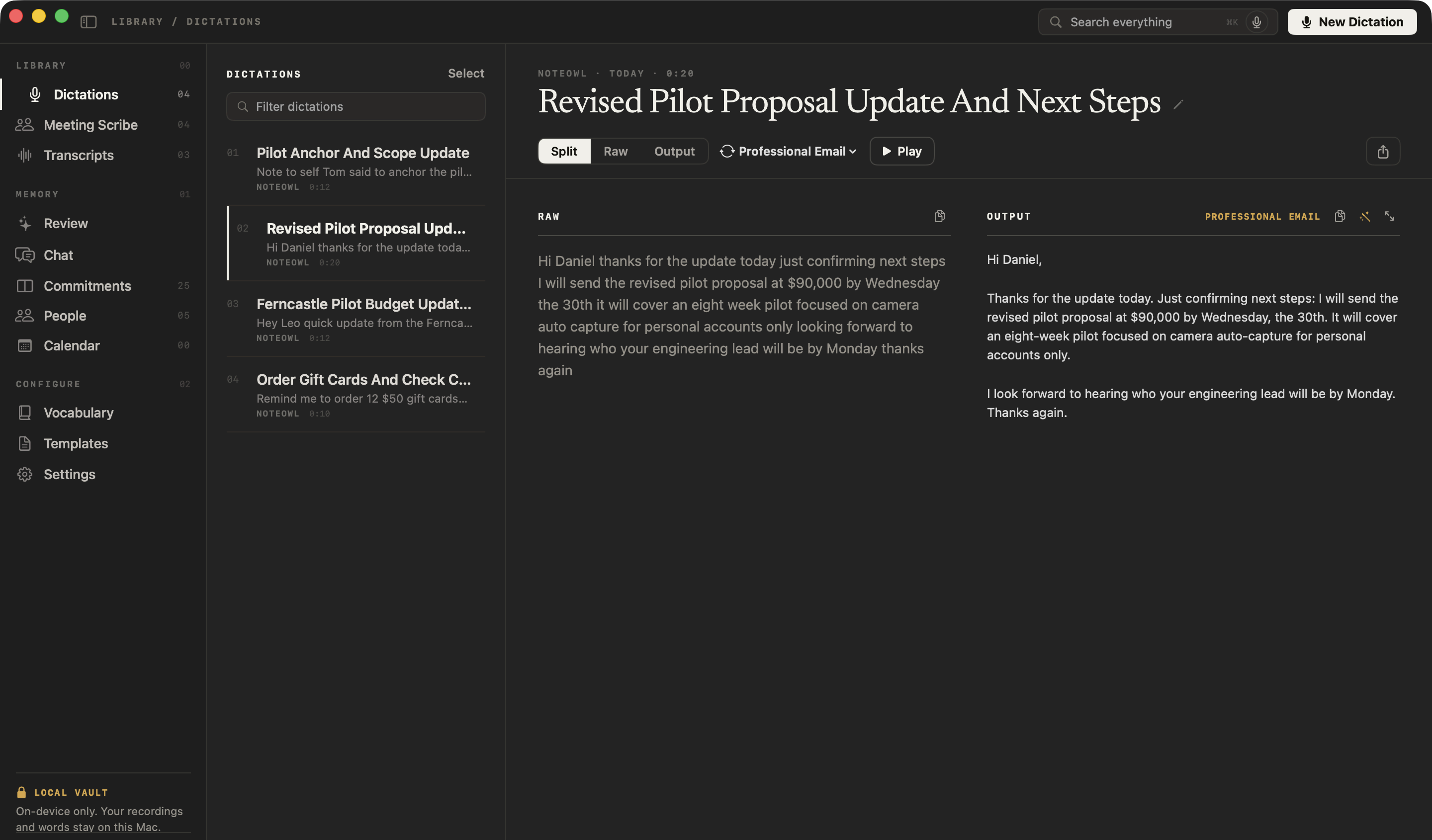
- At your desk, click New Dictation in Dictations and talk: NoteOwl keeps the audio and a tidied text, free. Voice notes on Mac
- Mid-task, tap fn in any app and say the idea straight into your notes app or a document, free.
- With NoteOwl Pro, Transform as rewrites a voice note in a template, such as Brainstorm or To-Do List.
Which template turns a rambling voice note into a usable idea?
Brainstorm: the ideas grouped by theme, the standouts worth pursuing and the next experiments. For a quick thought, the default Quick Summary gives three to five points and a bottom line, and To-Do List pulls out anything you said you’d do.
Built-in template
Brainstorm
- Ideas by theme
- Standouts
- Next experiments
Summarize as works on any note on iPhone; on Mac it’s Transform as, on a voice note. For ideas you work out with other people in a room, see the brainstorming template.
Also worth trying
- Quick Summary
- To-Do List
- Project Log
How do you find an idea you recorded weeks ago?
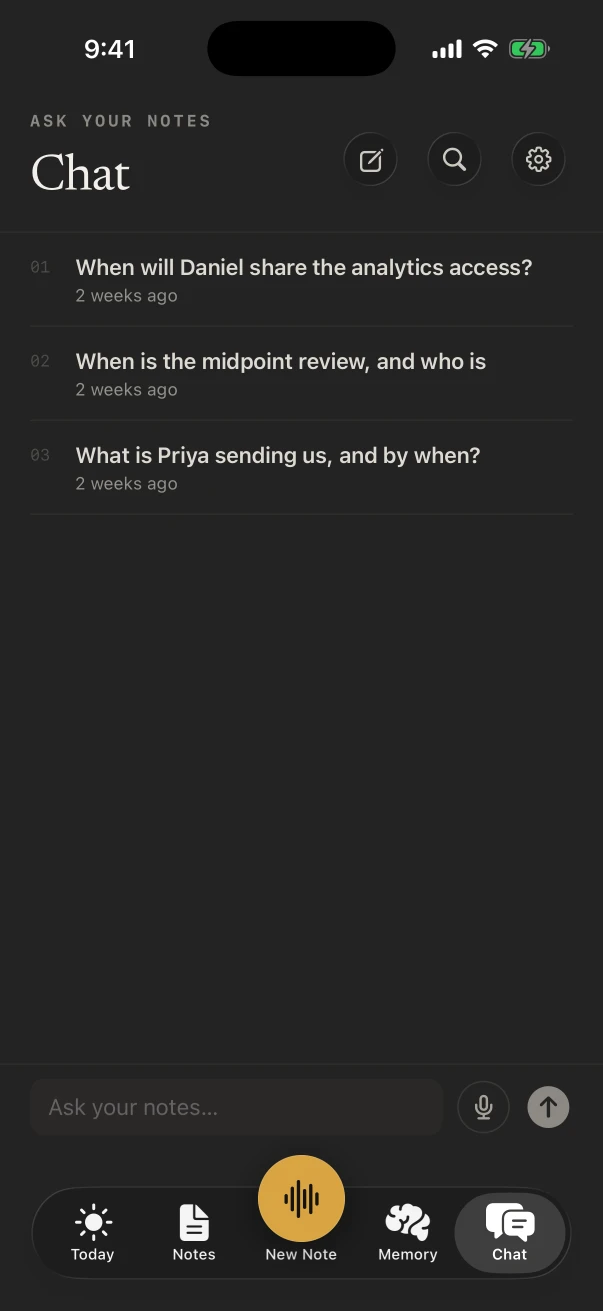
Ask for it. With NoteOwl Pro, Chat answers from your notes and shows the note it came from: “What was my idea for the onboarding email?” Search finds the exact words. On NoteOwl Free, search matches note titles.
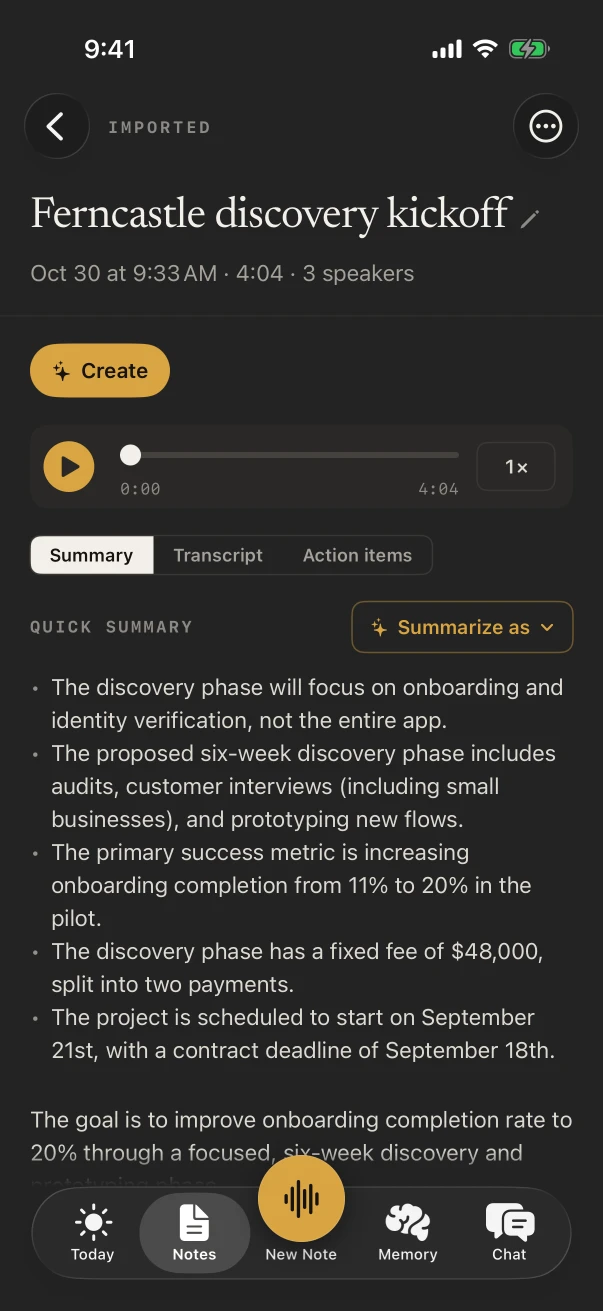
An idea can become a draft as well: with NoteOwl Pro on iPhone, ✦ Create turns a note into an email draft, a blog post, a social post or a to-do list, or whatever you describe under Custom.
Is NoteOwl free for recording ideas?
Yes. Voice notes with their transcripts are free and unlimited on iPhone, and voice notes and dictation are free on Mac. NoteOwl Pro adds titles, summaries, templates, Chat and search of what you said: $20 lifetime on iPhone, $79 lifetime on Mac.
- Where ideas are kept
- On the iPhone or Mac you said them to
- Uploads
- None. NoteOwl never uploads what you record
- No signal on the trail
- Recording and transcripts work offline once the models have downloaded
- NoteOwl Pro
- $20 on iPhone, $79 on Mac, lifetime, no subscription; 7-day free trial
FAQ
Questions about recording ideas
What’s the best app to record ideas?
One that starts in a single press and turns speech into text you can search later. NoteOwl does both on iPhone, from the Action button or a widget, keeps the audio with each note, and runs on the device, so your ideas stay yours.
Can I start recording from the Lock Screen?
Yes. Add NoteOwl’s New note control to the Lock Screen or Control Center, or set it on the Action button, and a press starts a recording.
Do my voice notes keep the audio?
Yes. Each note keeps its recording and its transcript on the iPhone, and you can play from any line. To free space, delete the recording and keep the text.
Can NoteOwl turn a spoken idea into a draft?
Yes. On iPhone, with NoteOwl Pro, ✦ Create writes an email draft, a blog post, a social post or a to-do list from a note. On Mac, Ask for changes rewrites a voice note’s tidied text the way you describe.
Do my ideas go into NoteOwl’s memory?
Voice notes do, with NoteOwl Pro, so Chat can answer from them. To keep notes out of Chat on iPhone, switch Notes off in Settings › What feeds memory; nothing is deleted.
Related
- Voice notes app for Mac Voice notes on your Mac, saved as searchable text with the audio.
- Voice recorder widget for iPhone Start recording from the Home Screen or the Lock Screen.
- Brainstorming template Ideas by theme, the standouts and the next experiments.
- Voice journal app The same habit for the end of the day: talk it through, keep it private.
Keep exploring
Made for this situation
- Voice notes on your MacVoice notes and dictations saved as searchable text on your Mac or iPhone, with the raw words beside the polished version on the Mac; free
- iPhone Action button and SiriStart a NoteOwl recording, dictation or a question from the Action button, Control Center, the Lock Screen, Back Tap, Siri or the Shortcuts app
- iPhone widgetsNoteOwl’s iPhone widgets (New note, Keyboard, Capture, Last capture, Due today, Up next), what each does and needs, and its Live Activities in the Dynamic Island
- Brainstorming templateA brainstorming template to copy, what each section holds, an example, and how NoteOwl writes brainstorm notes
- Meeting summary templateA meeting summary template to copy, what each section holds, an example, and how NoteOwl writes it
Who it’s for
- CoachesIn-person and walking coaching sessions on iPhone, video sessions on the Mac with no bot, the 1:1 Check-in template, and a profile with every session for each client
- PastorsChurch council and staff meetings recorded on iPhone, decisions and action items with the Executive Board template, sermons transcribed free and turned into blog or social post drafts
More situations
- Voice journalingA private voice journal on iPhone or Mac: entries recorded and transcribed on the device, the Journal template with Pro, asking Chat about past entries, and what stays private
- Parent-teacher conferencesRecord a parent-teacher conference on iPhone and keep the teacher’s points and who agreed to do what: questions to ask, the 1:1 Check-in template, follow-ups and Translate to, video-call conferences on a Mac, and notes for teachers
- House viewingsRecord each house or apartment viewing on iPhone, say what the photos don’t show, then compare viewings by asking Chat; writing your own viewing template, and Free vs Pro
Catch your next idea with NoteOwl
Free to download. Runs entirely on your Mac or iPhone.
Mac: macOS 26 or later · Apple Silicon (M1 or newer) · 16 GB memory minimum, 24 GB recommended · iPhone: iOS 26 or later
About NoteOwl
NoteOwl is private AI meeting notes and memory for Mac and iPhone. It captures meetings without a bot joining the call, labels every speaker, writes summaries and action items, and builds a memory of every conversation that you can chat with — fully offline, because the speech recognition and the AI run on the Mac or iPhone itself. Dictation into any app is free; Pro is a lifetime licence.
NoteOwl pricing: what’s free and what Pro adds
Last updated