For home inspectors
AI note taker for home inspectors
NoteOwl is an AI note taker for home inspectors who talk through what they find: at the panel, in the attic, under the sink. Your iPhone keeps every word, and voice notes of your own voice are free and unlimited, transcribed as you speak.
With NoteOwl Pro, a template laid out like your report writes each voice note up in your sections, and the walk-through with the buyer becomes a summary of what they asked. The free keyboard dictates into your report app. NoteOwl never uploads what you record.
How do home inspectors use an AI note taker?
Mostly to stop writing on site. You say each finding where you find it, NoteOwl transcribes it on the iPhone, and the report gets written from a full, ordered set of notes instead of shorthand and memory at nine at night.
Room by room
Findings, said out loud
The location, what you see and what you’d have a specialist look at. A voice note of your own voice is free, and so is its transcript.
Attic and crawlspace
Phone in your pocket
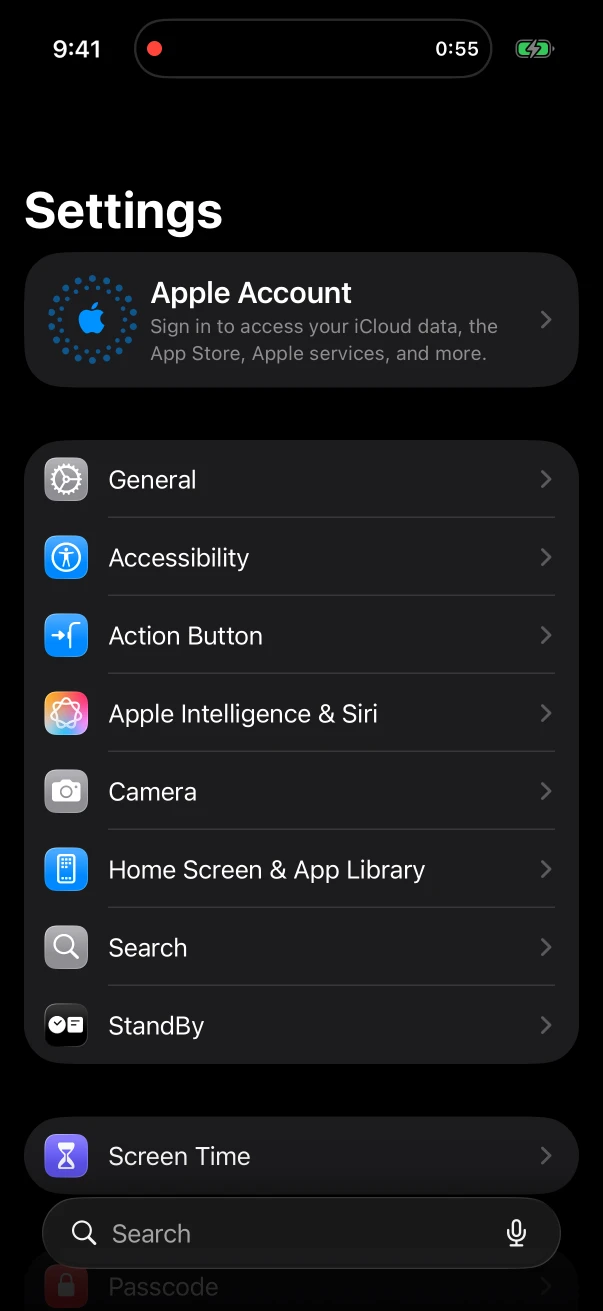
Start from the Action button and lock the phone. The timer and a stop button wait on the Lock Screen and in the Dynamic Island.
The buyer walk-through
Their questions, kept
Walk the buyer through the big items at the end. With the Meeting chip on, NoteOwl Pro writes who asked what and what you said you’d follow up on.
At the desk
Writing the report
Work from the transcript beside your report software, or dictate into it with the free keyboard on iPhone or with fn on a Mac.
How do home inspectors dictate findings on site?
Tap New Note and talk. NoteOwl records a voice note and transcribes it on the iPhone, free and unlimited, and the words appear as you say them. Stop when you leave an area and start a new note in the next one.
- 1
One press to start
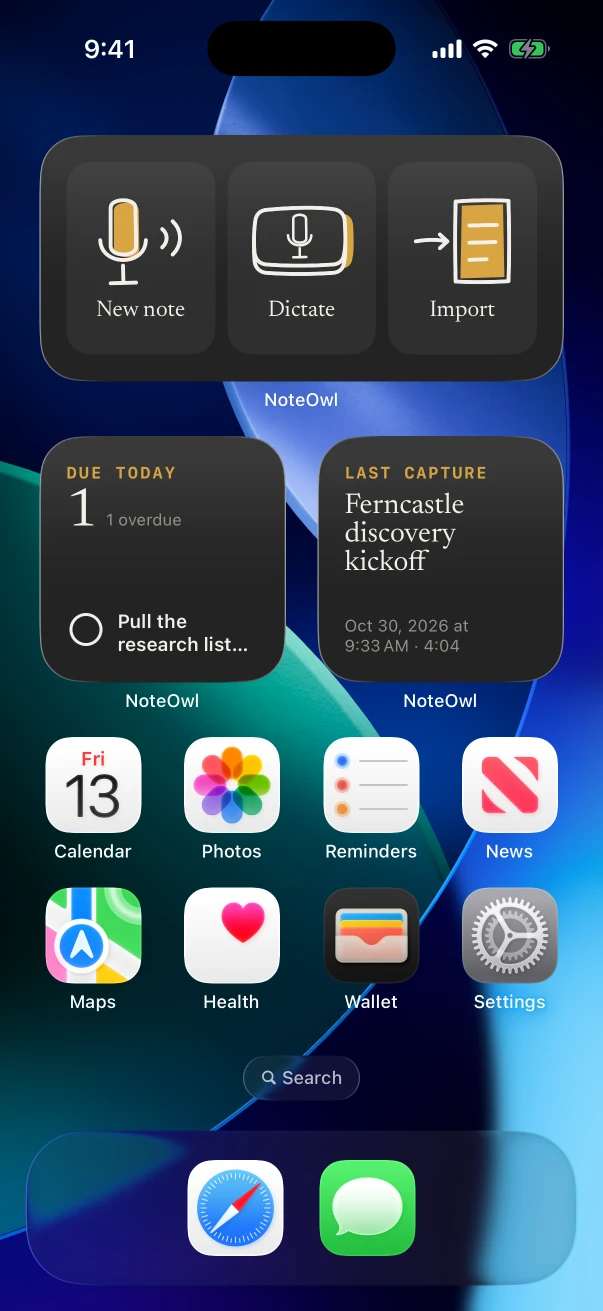
The New note widget on the Home Screen, NoteOwl’s control in Control Center, or the Action button on iPhones that have one.
- 2
Say where you are first
“Main panel, garage wall: double-tapped breaker on circuit 14.” A location at the start makes each note easy to file.
- 3
Keep notes short
One note per area or system lands in Notes with its own transcript, which is quicker to read back than one long recording.
Can NoteOwl write notes in your own report format?
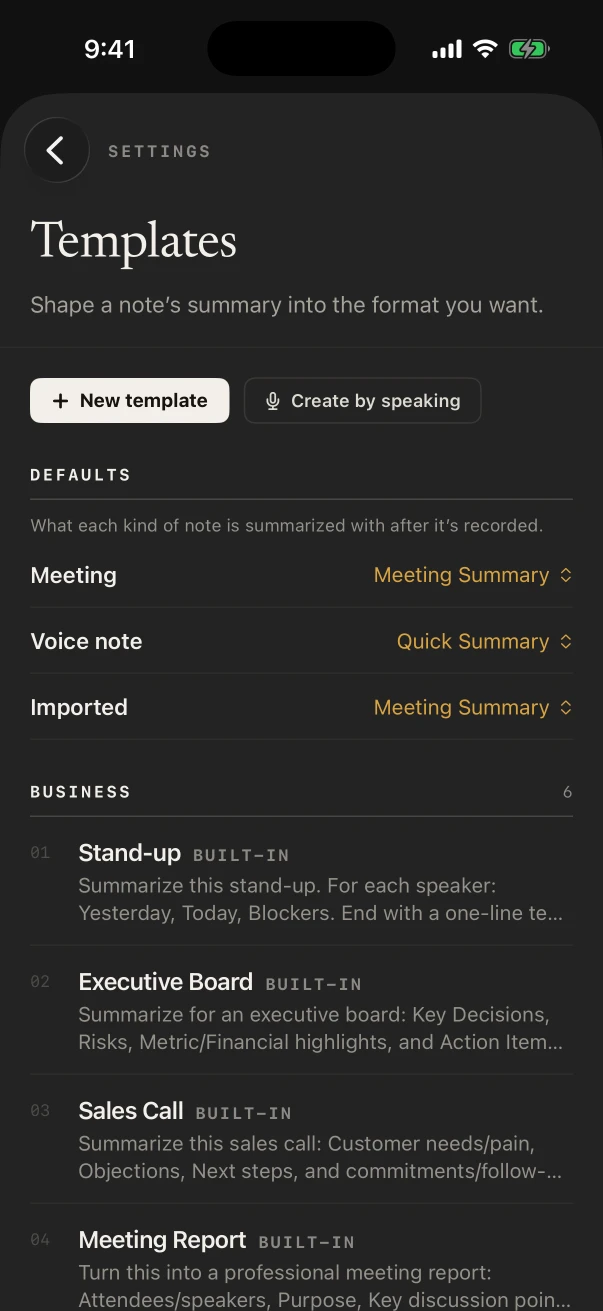
Yes, with NoteOwl Pro. In Settings › Templates, tap New template and describe your sections, such as roof, exterior, structure, electrical, plumbing and HVAC, or tap Create by speaking and say them. Then set it as the default for voice notes.
From then on every voice note is summarized in your layout. For anything else, ✦ Create › Custom takes a plain request, such as “list every item for a specialist”.
- 1
New template
Give it a name and write how the summary should be laid out, section by section.
- 2
Or Create by speaking
Say how you want your notes laid out; NoteOwl drafts the template for you to check and save.
- 3
Make it the default
Under Defaults, choose it for Voice note, so each finding you record is written up that way.
Which built-in templates help an inspector?
Quick Summary for a single area, Consultation for the talk with the buyer at the end, To-Do List for everything you flagged for a specialist, and Project Log for a re-inspection after repairs. All four come with NoteOwl Pro, beside any template you write.
- The walk-through with the buyer
- TemplateConsultation
- What it writesSituation & goals · Advice · Options · Next steps
- Items for a specialist to evaluate
- TemplateTo-Do List
- What it writesHigh priority · Medium · Low · Owners & deadlines
- Re-inspection after repairs
- TemplateProject Log
- What it writesProgress · Decisions · Blockers · Next milestones
| The moment | Template | What it writes |
|---|---|---|
| Findings in one area | Quick Summary | 3–5 key points · Bottom line |
| The walk-through with the buyer | Consultation | Situation & goals · Advice · Options · Next steps |
| Items for a specialist to evaluate | To-Do List | High priority · Medium · Low · Owners & deadlines |
| Re-inspection after repairs | Project Log | Progress · Decisions · Blockers · Next milestones |
Can you dictate into your inspection report app?
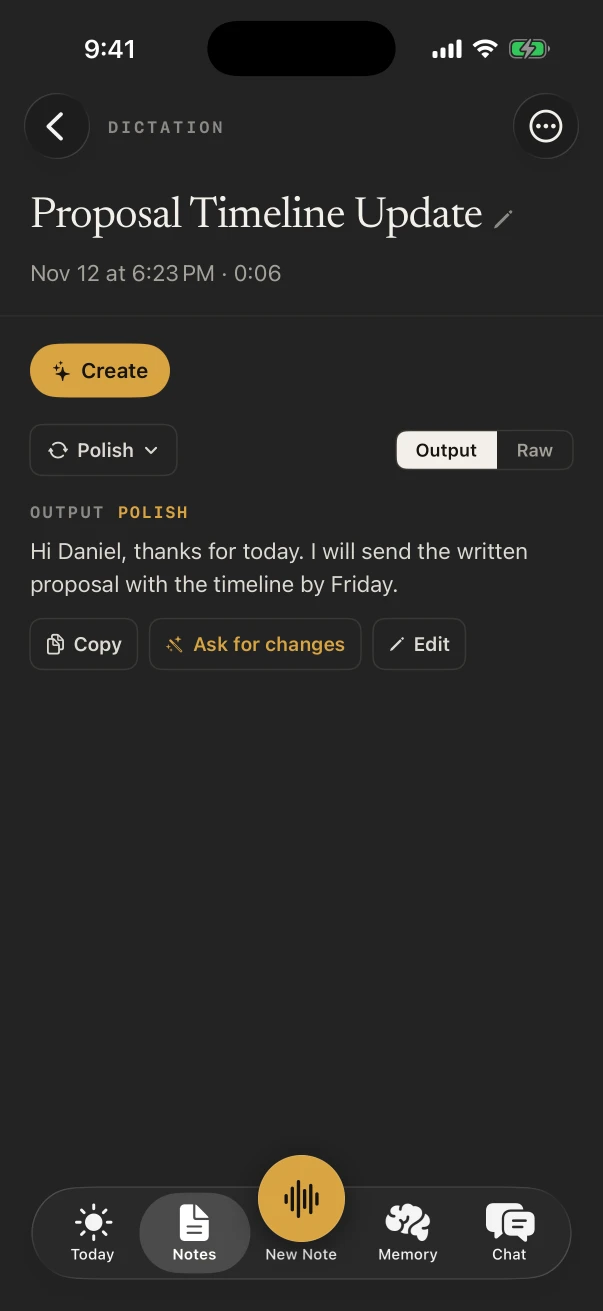
Yes. The NoteOwl keyboard dictates into any app on the iPhone, free: switch to it, tap the microphone and talk, and the text types where your cursor is. NoteOwl opens for a moment to start listening.
Polish tidies what you dictated in one tap on iPhone 15 Pro or later. Every dictation is also kept in NoteOwl under Notes › Dictations.
What does NoteOwl on Mac add for a home inspector?
The desk half of the job. Dictate the report on the Mac with fn, free, in whatever software you write it in, and with NoteOwl Pro, record the pre-inspection call or an agent’s questions in Zoom, Teams or Google Meet with no bot joining.
Dictate the report
FreeTap fn in any app on the Mac and talk; the words type at your cursor, with no limit.
Calls with clients and agents
NoteOwl ProRecorded on the Mac with no bot in the call, and written up when the call ends.
Equipment names, spelled right
NoteOwl ProTeach Vocabulary a panel maker or a product name once, on the Mac or the iPhone.
Where do inspection recordings go?
Nowhere you didn’t send them. NoteOwl writes each transcript and summary on the iPhone with on-device AI models and never uploads what you record. When a client wants a copy, share the note yourself as Markdown, PDF or plain text.
- In a crawlspace with no signal
- Records and transcribes offline, once the models are on the phone (about 3.2 GB)
- Uploads
- None: NoteOwl doesn’t upload your recordings
- Old jobs
- Delete a note’s audio and keep its text, or delete the note
- Everything at once
- Settings › Your data › Export all data
How much does NoteOwl cost for a home inspector?
Voice notes of your own voice, their transcripts and the keyboard are free, with no limit. Your own report template, the buyer walk-through summary and Vocabulary are NoteOwl Pro: $20 lifetime on iPhone, no subscription, with a 7-day free trial. On a Mac, Pro is $79 lifetime for one Mac.
- Voice notes of your findings, with transcripts
- FreeUnlimited
- NoteOwl ProUnlimited
- The dictation keyboard in any app
- FreeYes
- NoteOwl ProYes
- Notes kept in Notes › Dictations
- FreeYes
- NoteOwl ProYes
- Your own template, set as the voice note default
- FreeNo
- NoteOwl ProYes
- Speakers and a summary of the buyer walk-through
- FreeNo
- NoteOwl ProYes
- Vocabulary for brands and terms
- FreeNo
- NoteOwl ProYes
| Free | NoteOwl Pro | |
|---|---|---|
| Voice notes of your findings, with transcripts | Unlimited | Unlimited |
| The dictation keyboard in any app | Yes | Yes |
| Notes kept in Notes › Dictations | Yes | Yes |
| Your own template, set as the voice note default | No | Yes |
| Speakers and a summary of the buyer walk-through | No | Yes |
| Vocabulary for brands and terms | No | Yes |
FAQ
Questions home inspectors ask about NoteOwl
Can NoteOwl write my home inspection report?
No. NoteOwl transcribes what you say and, with NoteOwl Pro, summarizes it in a template, including one laid out like your report. You write the report in your own software, and the free NoteOwl keyboard can dictate into it.
Can I record findings hands-free?
Almost. Start with one press of the Action button on iPhones that have one, then lock the phone and talk; NoteOwl keeps recording, and the Lock Screen shows a stop button when you’re done.
Does NoteOwl work in a basement or crawlspace with no signal?
Yes. Once its on-device AI models have downloaded (about 3.2 GB), NoteOwl records and transcribes on the iPhone with no connection.
Can NoteOwl learn equipment and brand names?
Yes, with NoteOwl Pro. Add a “When I say” and “Replace with” pair in Settings › Vocabulary and NoteOwl uses it from then on, in voice notes, recordings and the keyboard.
Is NoteOwl free for home inspectors?
Voice notes of your own voice and their transcripts are free and unlimited on iPhone, and so is the dictation keyboard. Templates, summaries, speakers and Vocabulary are NoteOwl Pro, $20 lifetime on iPhone with no subscription.
Keep exploring
Made for this work
- Voice notes on your MacVoice notes and dictations saved as searchable text on your Mac or iPhone, with the raw words beside the polished version on the Mac; free
- iPhone dictation keyboardThe free NoteOwl keyboard: voice typing in any iPhone app, how to add it, its languages, Polish and Rewrite styles, and Notes › Dictations
- To-do list templateA to-do list template to copy, what each section holds, an example, and how NoteOwl writes it
More jobs away from a desk
- Insurance adjustersClaim inspections and room-by-room damage notes recorded on iPhone, speakers, summaries and action items with Pro, search across every claim, and calls on the Mac
- Field salesIn-person customer visits on iPhone: Up next before the visit, Sales Call notes during it and a follow-up email draft after, with calls on the Mac
- Interior designersConsultations in the client’s home, showroom visits and concept presentations recorded on iPhone, Consultation and Presentation notes, and email drafts and to-do lists from ✦ Create
In these situations
- Site visitsSite visit notes spoken on iPhone as you walk (Action button, Lock Screen), the Project Log and To-Do List templates for a report and a punch list, sharing as PDF, and dictating the write-up on a Mac
- House viewingsRecord each house or apartment viewing on iPhone, say what the photos don’t show, then compare viewings by asking Chat; writing your own viewing template, and Free vs Pro
Take NoteOwl to your next inspection
Free to download. Runs entirely on your Mac or iPhone.
Mac: macOS 26 or later · Apple Silicon (M1 or newer) · 16 GB memory minimum, 24 GB recommended · iPhone: iOS 26 or later
About NoteOwl
NoteOwl is private AI meeting notes and memory for Mac and iPhone. It captures meetings without a bot joining the call, labels every speaker, writes summaries and action items, and builds a memory of every conversation that you can chat with — fully offline, because the speech recognition and the AI run on the Mac or iPhone itself. Dictation into any app is free; Pro is a lifetime licence.
NoteOwl pricing: what’s free and what Pro adds
Last updated